Search News
Industry Portal
Popular Tags
WMS Automation Integration: What Delays Projects Most?
Author
Time
Click Count
WMS Automation Integration: What Delays Projects Most?
WMS automation integration projects rarely fail because of software alone.
In most cases, delays start much earlier.
The real trouble usually sits in process design, equipment communication, data structure, and slow decision cycles.
That pattern appears across distribution centers, factories, spare parts hubs, cold storage sites, and mixed-material warehouses.
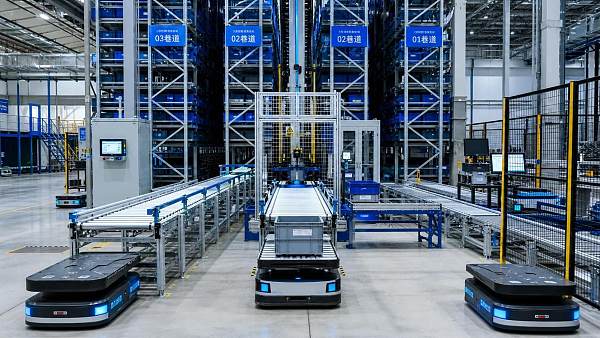
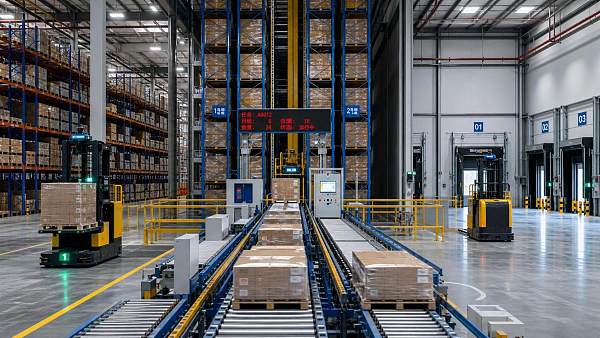
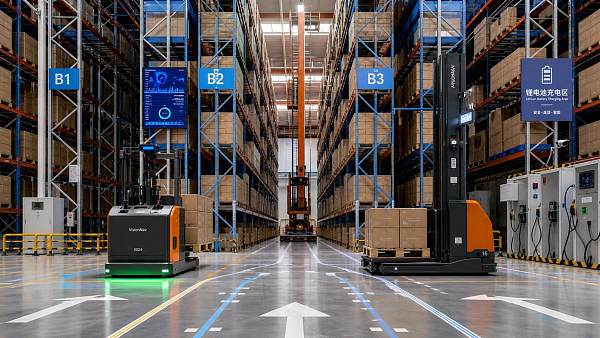
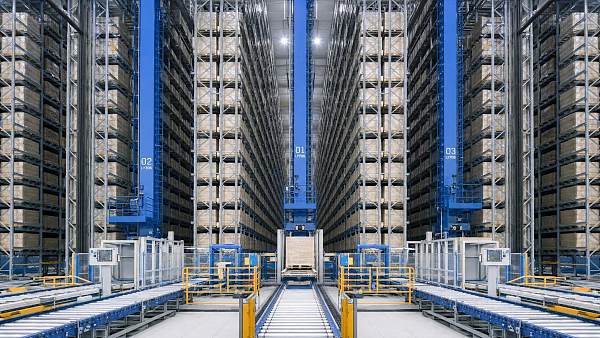
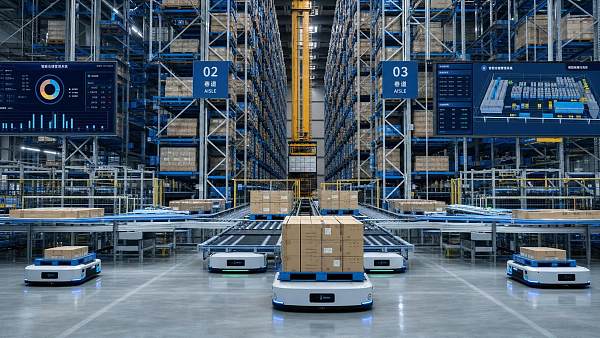
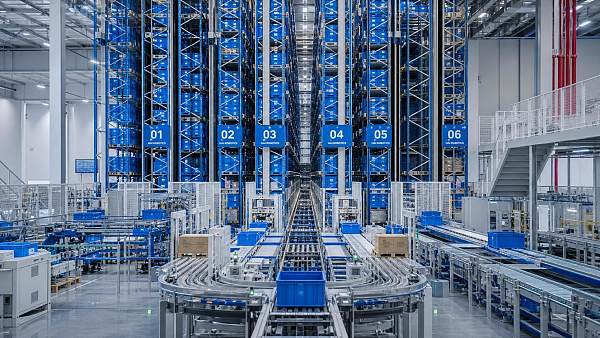
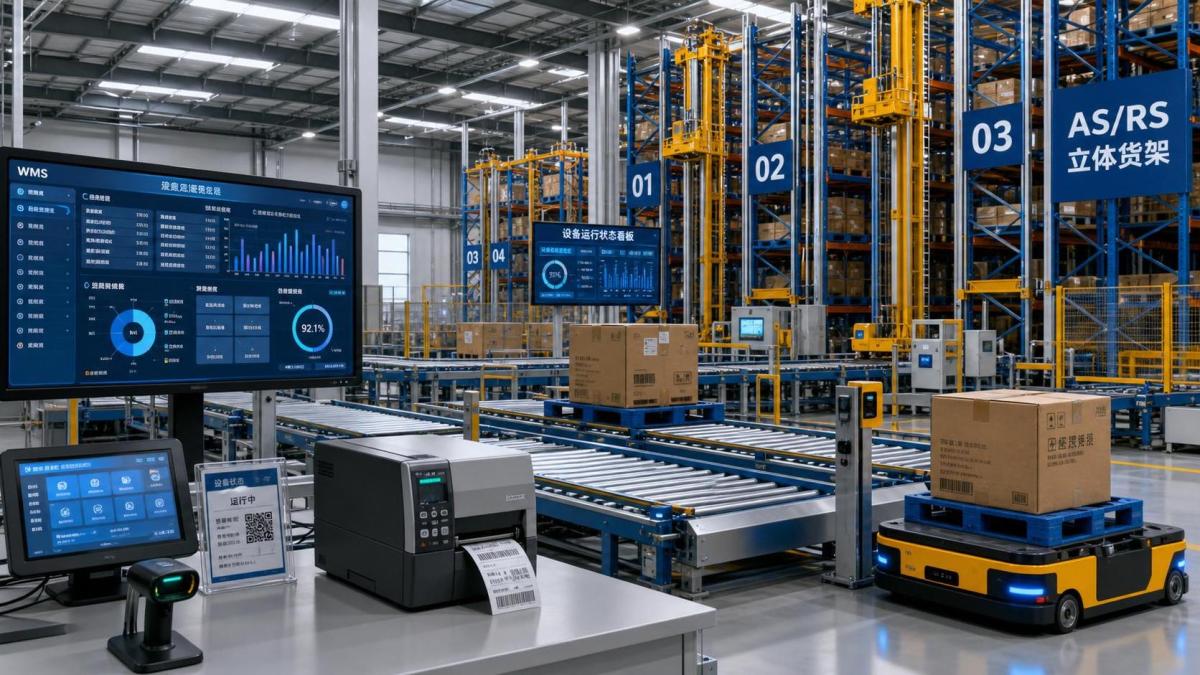
A WMS automation integration program connects software logic with conveyors, AS/RS, AGVs, forklifts, scanners, labels, and operator workflows.
Because of that, even a small mismatch can create weeks of downstream disruption.
From recent projects, the clearer signal is this: delays grow where teams assume details will be solved during commissioning.
By then, the cost of change is already high.
This article breaks down what slows WMS automation integration most and what can be done before timelines start slipping.
Why WMS Automation Integration Gets Delayed So Easily
A warehouse management system does not operate in isolation.
It depends on clean handoffs between business rules, equipment behavior, and real-time status feedback.
In practical terms, WMS automation integration must align inventory logic with physical movement.
That sounds straightforward, but warehouses are rarely simple.
Sites often mix manual pallet handling, semi-automated zones, and fully automated islands.
Legacy ERP logic may also conflict with newer automation control rules.
This means one integration delay often triggers several others.
For example, a missing exception rule can stop testing for AGV routing, label printing, inventory confirmation, and outbound release.
So the biggest risk is not one technical bug.
It is uncoordinated complexity.
The Biggest Delay Factor: Unclear Process Mapping
The most common WMS automation integration delay starts with process mapping that looks complete but is not operationally usable.
Teams document the happy path.
They often miss the messy situations that dominate real warehouse work.
These include partial pallets, mixed SKUs, short picks, damaged labels, blocked lanes, urgent replenishment, and manual override requests.
If these cases are undefined, integrators cannot build reliable decision logic.
Controls vendors then wait for answers.
Software teams create temporary assumptions.
Operations later reject those assumptions during UAT.
That cycle causes expensive rework.
A stronger approach is to map each flow in three layers:
- Business intent, such as service level, inventory accuracy, or labor reduction.
- System transaction steps across ERP, WMS, WCS, and machine controls.
- Physical actions, including scans, pallet movement, holds, and exception recovery.
When WMS automation integration starts from this level of detail, downstream testing becomes faster and more realistic.
Interface Mismatches Between WMS and Automation Equipment
Another major delay comes from interface assumptions that are never fully validated.
This is especially common in multi-vendor projects.
A WMS may expect event-driven updates, while a conveyor PLC or crane control layer sends status in a different structure.
AGV fleets may use a middleware standard, but location naming still differs from warehouse master data.
Forklift telematics, RFID readers, dimensioning systems, and print-and-apply units can also produce inconsistent signals.
The issue is not only protocol compatibility.
It is also message meaning.
For instance, what exactly counts as “task complete”?
Is it lift confirmed, pallet positioned, barcode verified, or inventory posted?
If that definition changes by vendor, the WMS automation integration timeline will stretch.
A practical fix is to lock interface control documents early.
- Define every message, trigger, timeout, retry rule, and alarm response.
- Confirm location codes and naming logic across all systems.
- Run emulation before on-site commissioning starts.
- Test exception paths, not only normal throughput sequences.
Poor Data Readiness Slows WMS Automation Integration Quietly
Data problems rarely look dramatic at first.
That is why they are so dangerous.
A WMS automation integration project can appear on schedule while master data remains incomplete or inconsistent.
Later, testing stalls because dimensions, unit conversions, pack hierarchies, storage constraints, or routing attributes are wrong.
Automation systems depend heavily on accurate data.
If pallet height is wrong, AS/RS moves may fail.
If hazardous flags are missing, task assignment rules may become unsafe.
If location types are inaccurate, replenishment logic can break under load.
This also affects forklifts, automated cranes, and picking technologies connected to the same operational logic.
Good teams treat data readiness as a workstream, not a checklist item.
When data cleanup starts late, WMS automation integration absorbs the delay even if software development finishes on time.
Slow Cross-Team Decisions Create Hidden Bottlenecks
Many projects lose time not because nobody knows the answer, but because nobody owns the final decision.
WMS automation integration touches operations, IT, controls, safety, maintenance, procurement, and external vendors.
Each team sees risk from a different angle.
That is normal.
The problem appears when issue resolution has no time-bound governance.
A pending answer on pallet ID rules can delay software mapping.
That can delay controls testing.
That can then delay site acceptance testing and operator training.
The result is often blamed on integration complexity, but the root cause is governance delay.
A more resilient model includes:
- A single issue register with owner, deadline, and business impact.
- Weekly design authority reviews for unresolved cross-functional items.
- Escalation rules for decisions blocking integration milestones.
- Formal sign-off on process, interface, and exception logic.
This matters even more when automated lifting, crane systems, or AGV traffic rules are involved.
Safety-related logic cannot stay ambiguous late in the project.
Testing Is Often Planned Too Late
Another common WMS automation integration mistake is treating testing as a final phase instead of a staged discipline.
When teams wait for full site readiness, every issue lands at once.
That creates pressure, overtime, and rushed workarounds.
A better sequence moves from unit tests to interface tests, then emulation, then integrated scenarios, then operational stress tests.
Each stage should include exceptions.
Not just standard inbound and outbound flows.
This is where many warehouse automation projects regain schedule control.
They stop asking whether the WMS automation integration works in theory.
They ask whether it survives operational friction.
How to Reduce WMS Automation Integration Risk Before Go-Live
The most effective projects do not eliminate uncertainty.
They reduce it early and visibly.
In real operations, that usually comes down to disciplined preparation.
- Map end-to-end flows with exception paths before detailed build starts.
- Freeze interface definitions and location naming before integration coding expands.
- Launch data validation as an independent project stream.
- Assign decision owners for process, controls, and safety-related logic.
- Run staged testing with measurable entry and exit criteria.
- Prepare fallback procedures for manual handling during go-live stabilization.
These actions are practical, not theoretical.
They help protect timeline, throughput, inventory accuracy, and operator confidence at the same time.
That also matters in facilities using forklifts, automated cranes, electric hoists, or mixed material handling systems linked to warehouse execution.
Final Takeaway
WMS automation integration delays usually come from operational ambiguity, interface gaps, weak data, and slow governance.
Software defects are only one piece of the picture.
The stronger signal is whether teams align physical flow, system logic, and decision ownership early enough.
When that happens, WMS automation integration becomes more predictable, faster to test, and safer to launch.
Before the next milestone, review your process exceptions, interface rules, master data quality, and unresolved decisions.
That simple review often reveals the delay before it becomes the crisis.
Recommended News
 Sep 17, 2026How extreme moment balance affects crane stability under offset loadsExtreme moment-balance mechanics stability is crucial for crane lifts under offset loads. Learn how to assess tipping risk, dynamic forces, and safer lift planning.
 Sep 09, 2026When warehouse vehicle telematics pays off in high-density operationsWarehouse vehicle telematics helps high-density operations reduce downtime, optimize fleet use, manage batteries, and improve safety. See when the investment delivers ROI.
 Sep 05, 2026When does ultra-fast handling logistics justify warehouse automation?Ultra-fast handling logistics: discover when warehouse automation improves capacity, reliability, safety, and ROI—and when smarter manual upgrades are the better choice.
 Aug 24, 2026What limits industrial lifting efficiency in overhead crane systemsIndustrial lifting efficiency in overhead crane systems depends on sway control, duty cycle, layout, and maintenance. Discover what really limits throughput and how to improve safer, faster handling.
 Aug 15, 2026How to choose a hydraulic mast systems manufacturer for heavy-duty useHydraulic mast systems manufacturer guide for heavy-duty use: learn how to compare engineering strength, safety, service, and long-term value before you choose.
 Aug 14, 2026How to Evaluate a Warehouse Automation Solutions Supplier for Integration, Uptime, and ScalabilityWarehouse automation solutions supplier evaluation guide: learn how to assess integration, uptime, and scalability to reduce risk and choose a supplier that supports long-term growth.
 Aug 05, 2026How to Improve Factory Material Flow Without Expanding Floor SpaceFactory material flow improvements do not always need more space. Learn practical ways to cut travel, reduce handling, improve safety, and boost output within your current plant layout.
 Jul 22, 2026How Smart Material Handling Systems Improve Factory ThroughputSmart material handling systems for factories boost throughput by reducing delays, improving safety, and matching automation to real bottlenecks. See how to choose the right fit.
 Jul 14, 2026Warehouse Vehicle Monitoring: Key Data Points That Prevent DowntimeWarehouse vehicle monitoring helps prevent downtime by tracking battery health, utilization, impacts, fault codes, and operator behavior—giving managers actionable insights to improve uptime and fleet efficiency.
 Jul 14, 2026How to Choose Warehouse Automation Solutions for PalletsWarehouse automation solutions for pallets: learn how to evaluate pallet flow, layout, software integration, safety, and ROI to choose a smarter, scalable warehouse system.
 Jul 13, 2026Smart Warehouse Trends: What Is Changing in 2026?Smart warehouse trends in 2026 are shifting from isolated automation to connected, measurable performance. Discover safer, smarter ways to boost throughput, uptime, and ROI.
 Jul 12, 2026ASRS Warehouse Design: When Higher Density Starts to Hurt ThroughputASRS warehouse design should maximize flow, not just storage density. Learn when higher density cuts throughput and how to protect ROI, speed, and service levels.
 Jul 11, 2026How Synchronized Hydraulic Lifting Systems Improve Load Control on Heavy LiftsSynchronized hydraulic lifting systems improve load control on heavy lifts with real-time balancing, better structural protection, and safer multi-point lifting performance.
 Jul 10, 2026Automated Warehousing Integration: What Fails First on SiteAutomated warehousing integration often fails first at transfer zones, interfaces, and data timing. Discover the on-site risks that delay go-live—and how to prevent them.
 Jul 09, 2026When Heavy Load Automation Delivers Better Throughput Than Manual HandlingHeavy load automation boosts throughput by reducing cycle variation, safety risk, and delays. See when it outperforms manual handling in real operations.
 Jul 07, 2026AGV Material Handling Systems for Busy Warehouses: What Improves ThroughputAGV material handling systems help busy warehouses boost throughput by reducing travel waste, stabilizing cycle times, and improving peak flow. Discover what drives measurable gains.
 Jul 04, 2026Heavy Component Transport Systems for Steel Mills: Key Design FactorsHeavy component transport systems for steel mills demand smart design. Learn key factors for load handling, route safety, heat resistance, and uptime to improve mill efficiency.
 Jul 03, 2026Automated Warehouse Systems for Cold Storage: Key Design FactorsAutomated warehouse systems cold storage design depends on temperature, SKU flow, compliance, and uptime. Learn the key factors to build safer, more efficient cold storage automation.
 Jul 02, 2026Chain Hoist Systems Electric: Key Load, Duty Cycle, and Control ChoicesChain hoist systems electric selection goes beyond rated capacity. Learn how load, duty cycle, controls, and safety features affect uptime, precision, and long-term value.
 Jul 01, 2026Millimetre Precision Load Control in Crane OperationsMillimetre precision load control improves crane safety, reduces sway, and boosts placement accuracy. Discover how smart drives and anti-sway systems raise uptime and efficiency.
 Jun 30, 2026Warehouse Control Systems vs WMS: What Actually Improves Throughput?Warehouse control systems vs WMS: discover which one improves throughput faster, where each fits, and how to identify the real bottleneck before investing.
 Jun 30, 2026Automated Warehouse Systems Software: Key Features That MatterAutomated warehouse systems software: discover the key features that improve inventory accuracy, task orchestration, equipment integration, safety, and ROI before you choose a platform.
 Jun 28, 2026Automated Warehousing Systems: When Does Automation Pay Off?Automated warehousing systems pay off when they solve labor, space, and throughput bottlenecks. Learn the key ROI signals, hidden costs, and when automation truly adds value.
 Jun 26, 2026Hydraulic Lifting Jacks: How to Choose Capacity and Lift HeightHydraulic lifting jacks: learn how to choose the right capacity and lift height for safer, more efficient lifting. Compare key specs, clearance needs, and real-world selection tips.